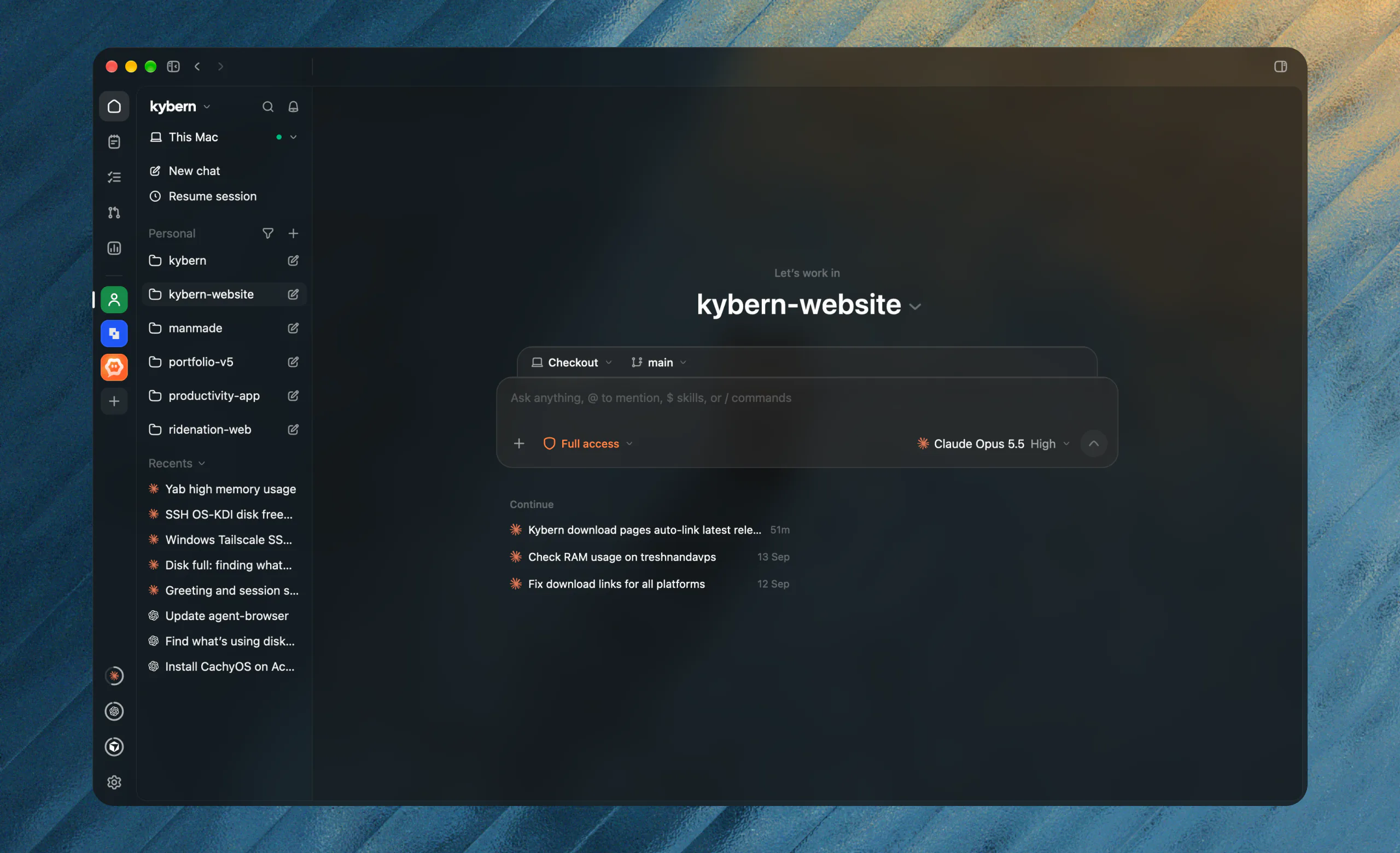
Built on Zed’s GPUI. Your GPU draws the interface, not a browser engine, so it stays light through long agent runs.
60%
less memory than the Tauri app
20–40%
less CPU while scrolling
0
frames drawn while idle
300 MB
memory in a long agent session
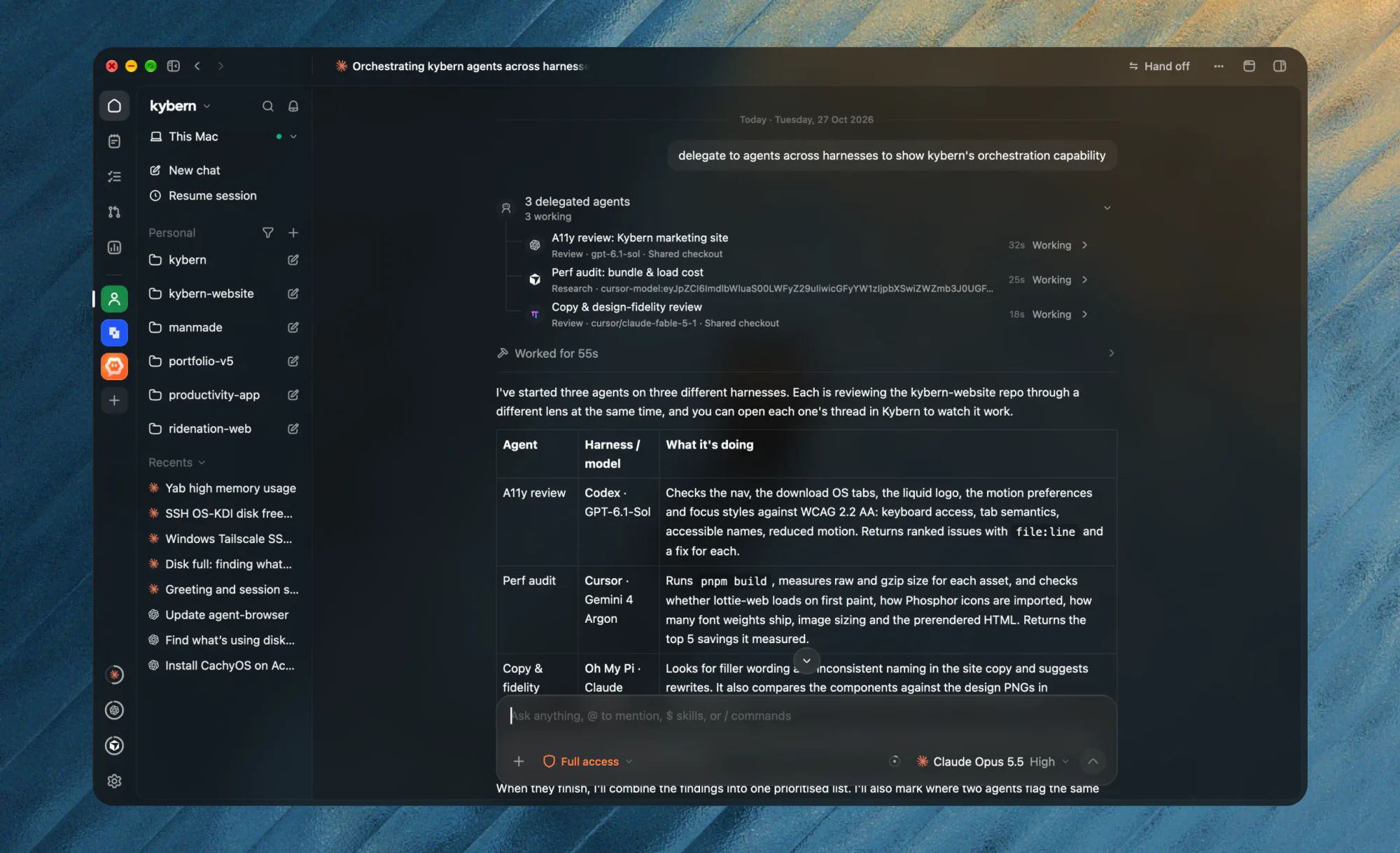
Ask Claude to have Codex build it and Cursor review it. Each helper opens as its own thread on its own harness, so you can watch any of them work. For bigger projects, a Coordinator plans the work, hands it out and reviews what comes back.
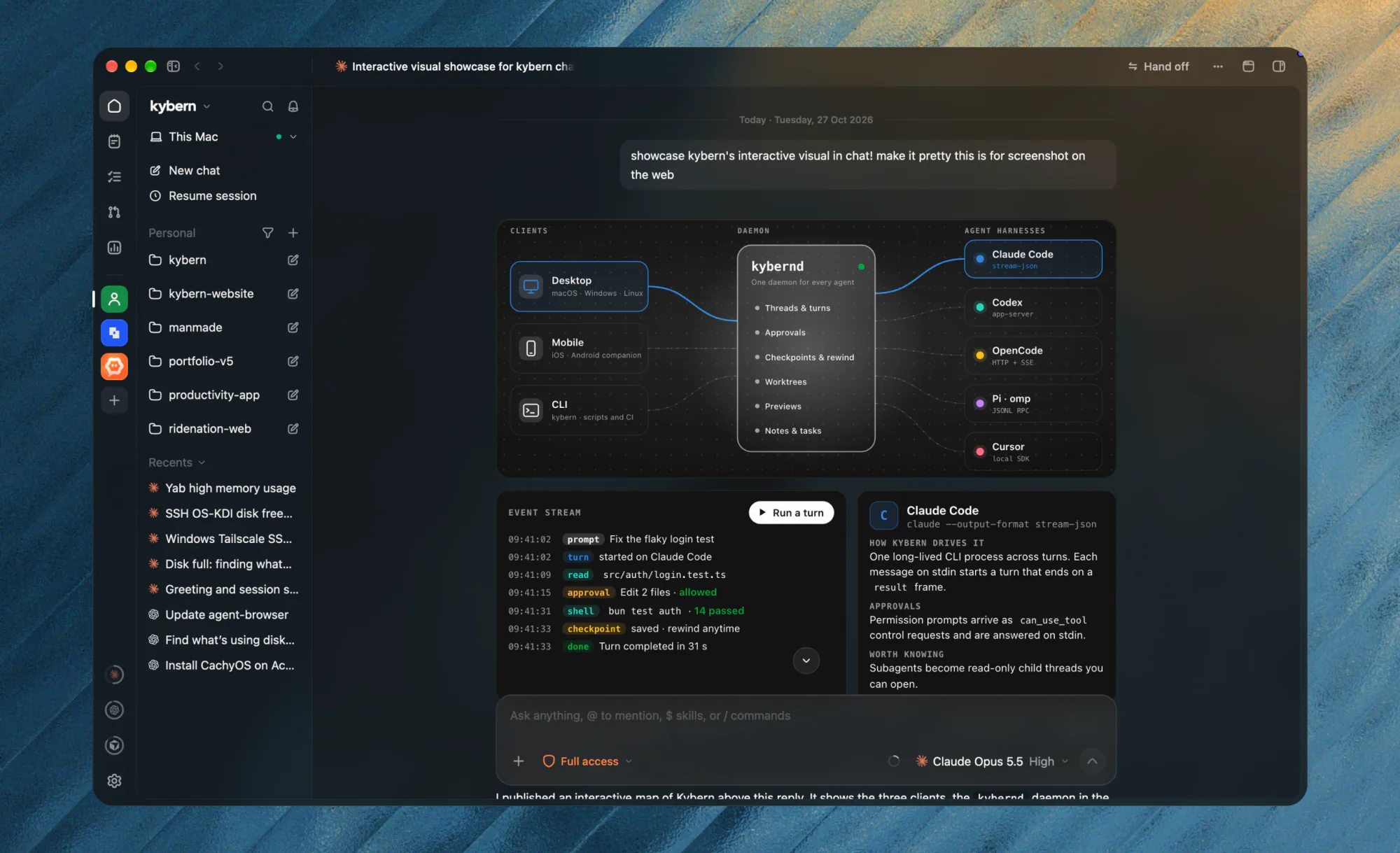
An agent can reply with a live page instead of a wall of text: an architecture map, a comparison, a set of options. It sits in the chat as a picture and comes alive when you click it. Pick an option, press Send, and the agent carries on from your answer.
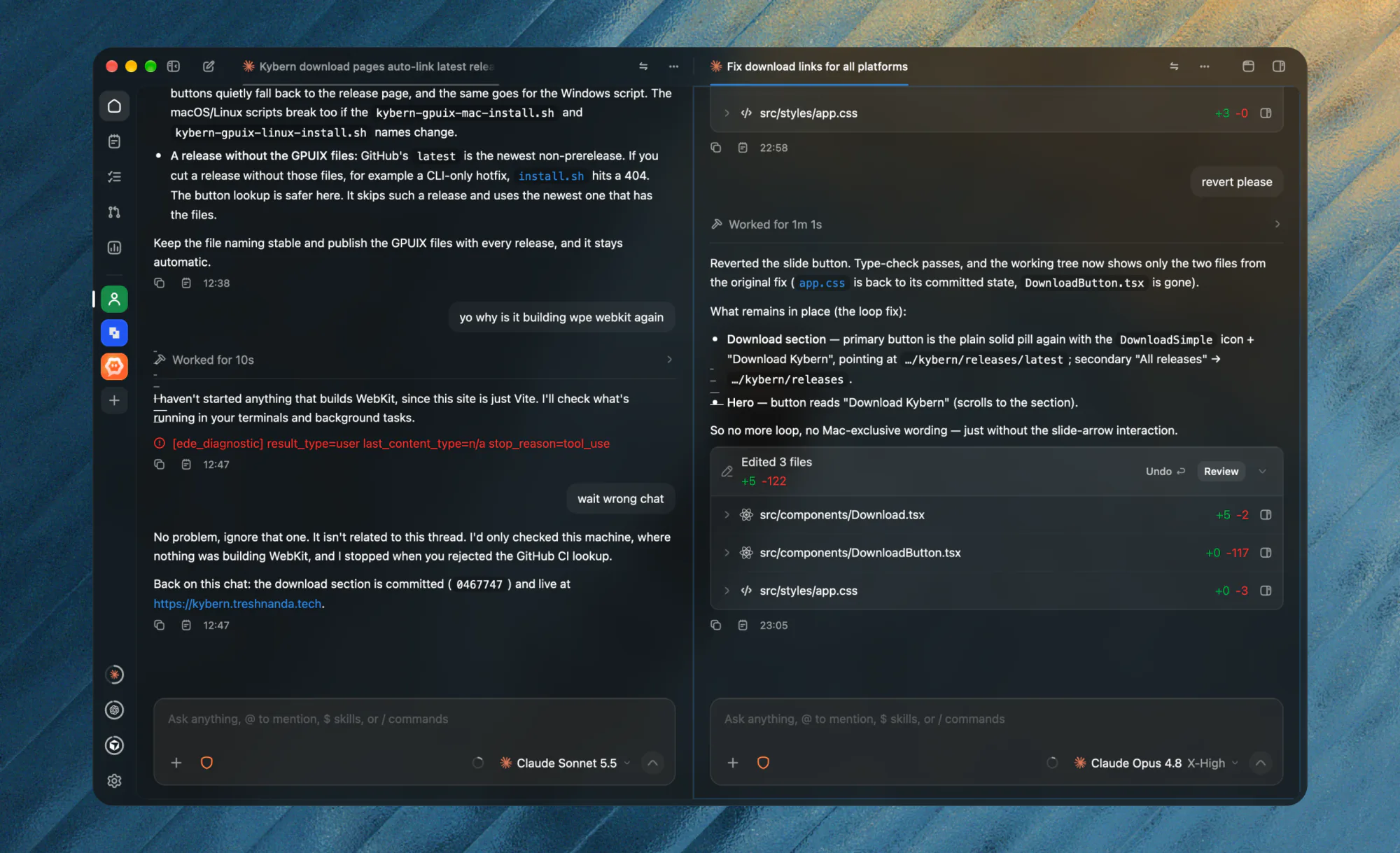
Split threads
Run two agents next to each other, each with its own model. Split up to four groups, each with its own tabs.
Files & editor
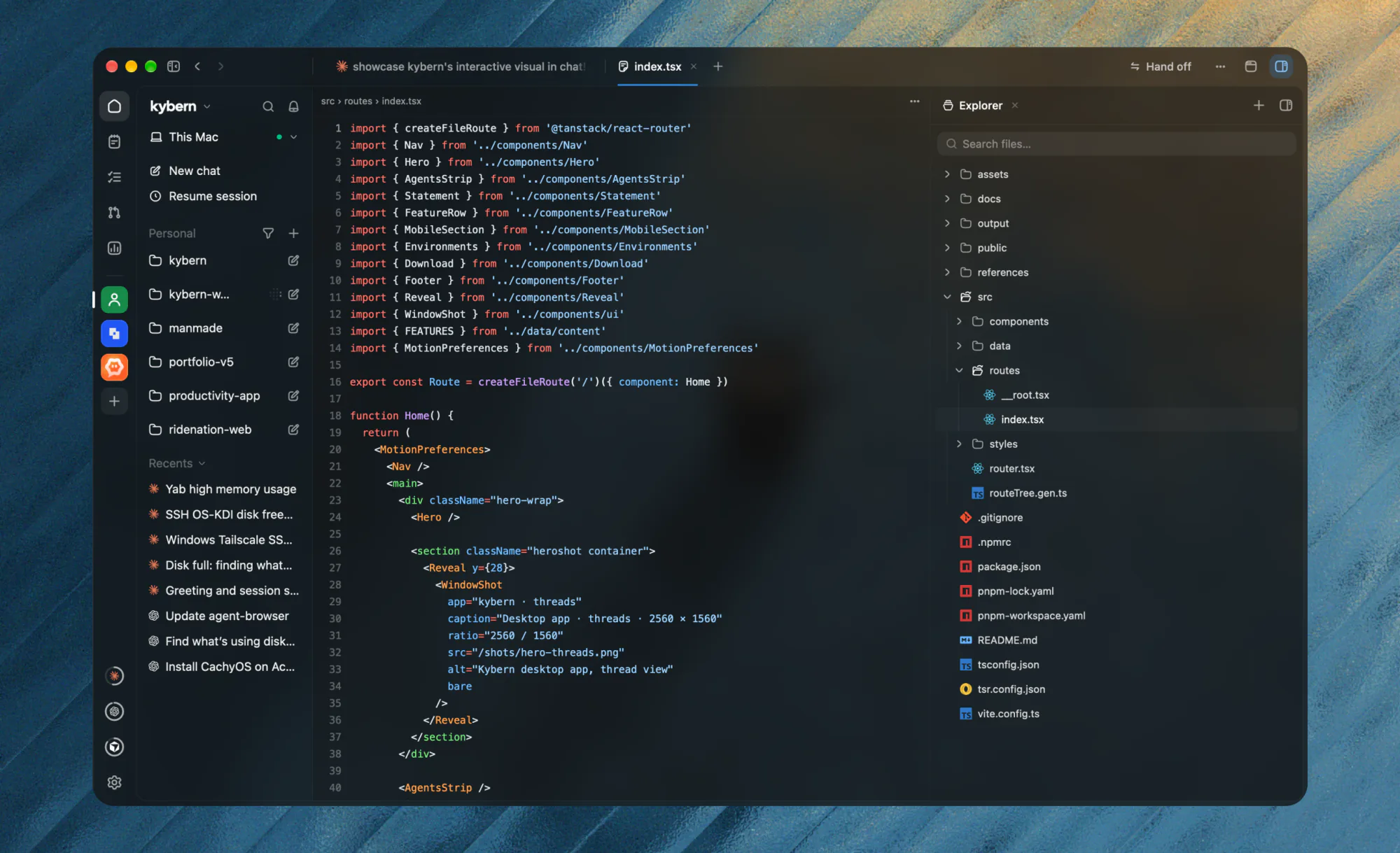
Open any file as a tab and edit it in place, with syntax colours, find and save. The explorer stays docked beside it.
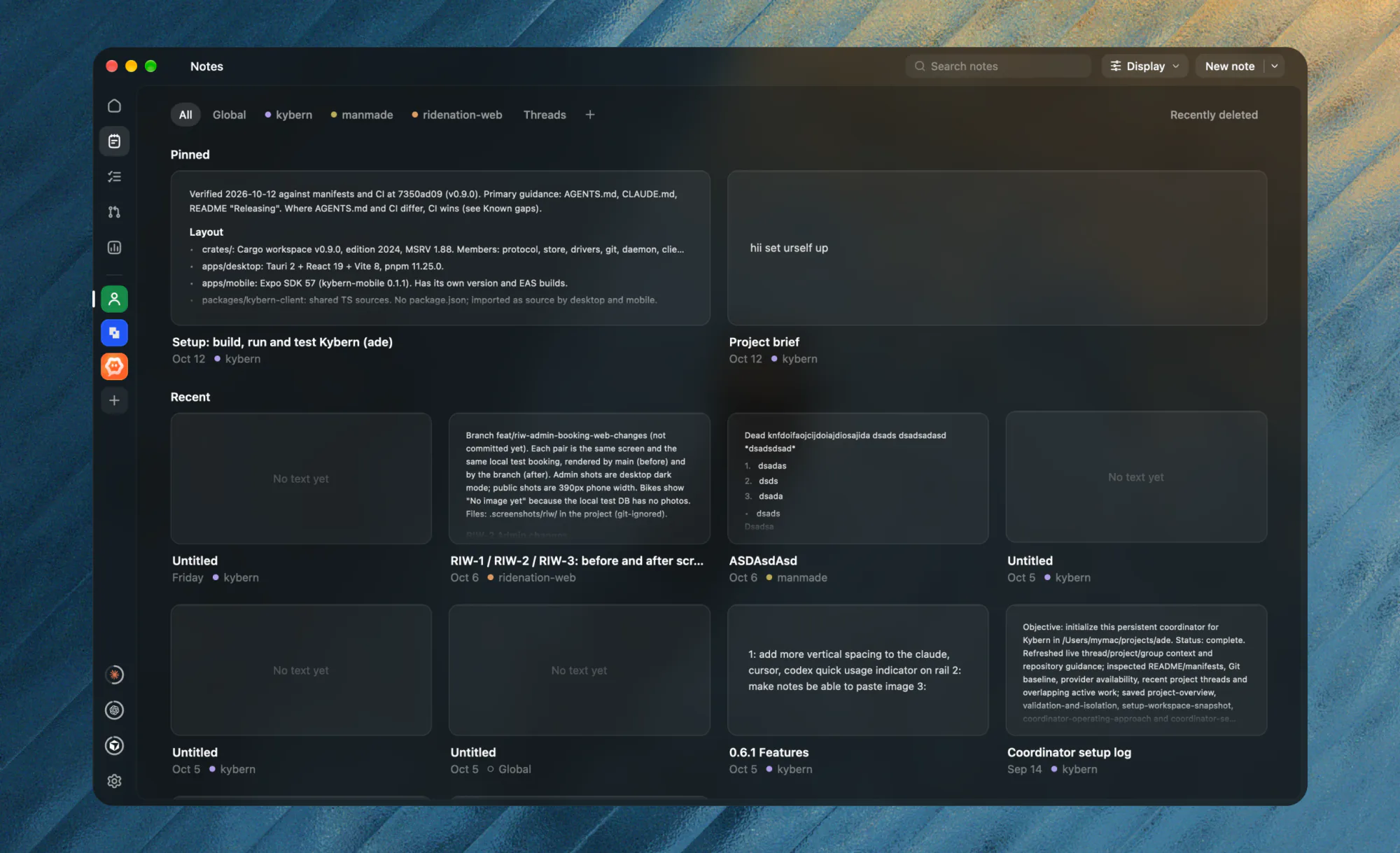
Notes
Project notes that agents read and keep current, filed as preferences, decisions, conventions and gotchas, with stale ones flagged.
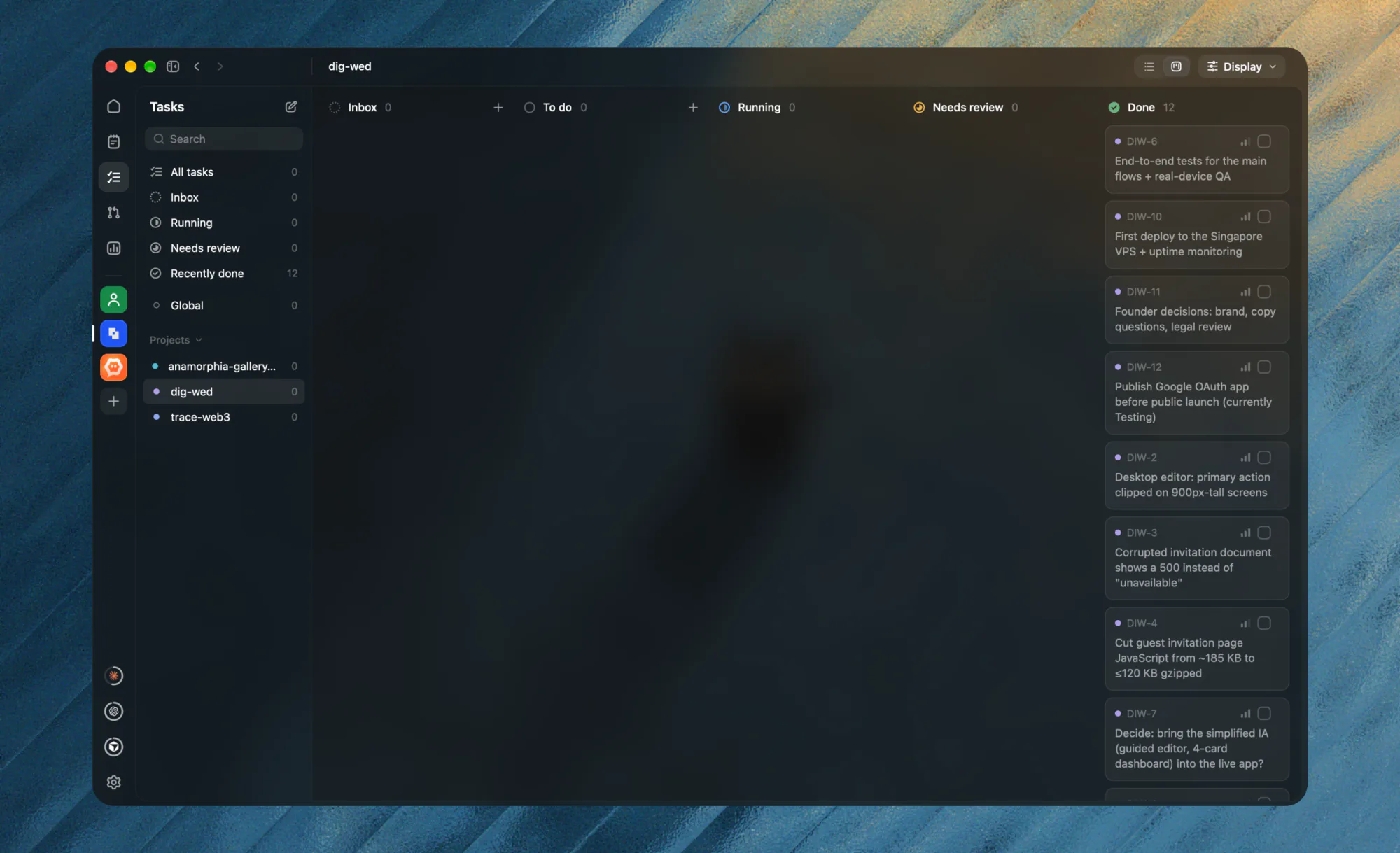
Tasks
A board for each project. Send a task, or a whole batch, to an agent and see it move from running to review to done.
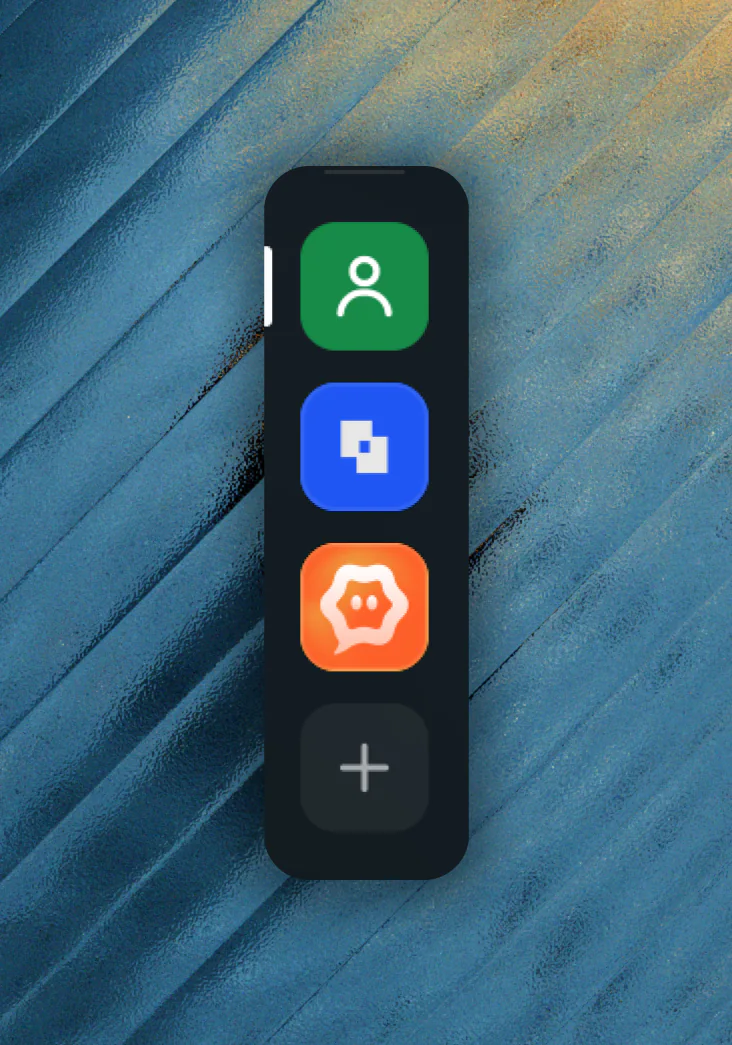
Spaces
Group projects with their own icon and colour. ⌃1 to ⌃9 switches.
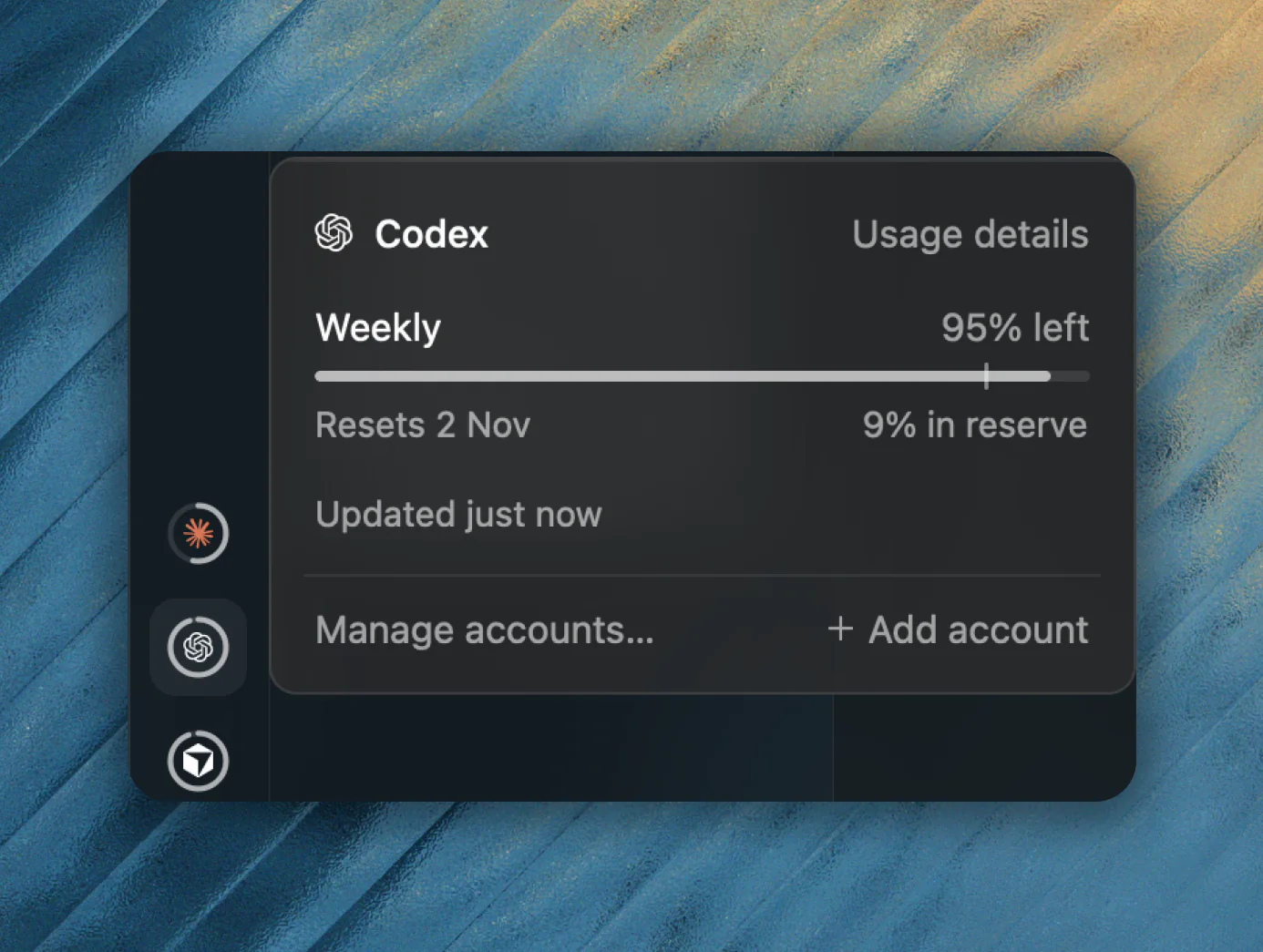
Plan usage
See what’s left of each plan and when it resets.
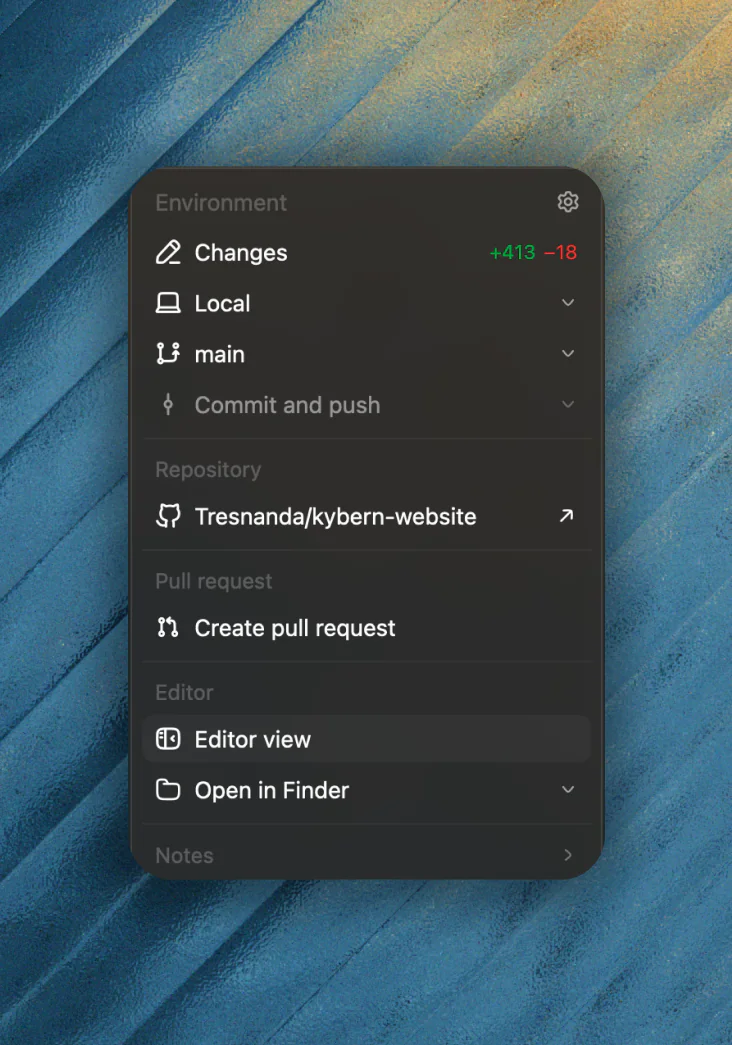
Changes to pull request
Changes, commit, push and pull request in one menu.
Rewind
Undo a turn’s edits, or roll the conversation back.
Resume sessions
Pick up a session from the agent’s own CLI.
Private cards
Sign-ins and API keys never land in the chat.
Several repositories
Worktrees
Steer mid-turn
Send a follow-up while the agent is still working.
Notifications
Point, don’t describe
Click an element in a preview to show the agent.
Glass
Translucent windows on macOS, Mica on Windows 11.
- DesktopmacOS · Windows · Linux
- Phone & tabletiOS · Android
- CLIScripts and CI
- Claude Code
- Codex
- OpenCode
- pi
- Oh My Pi
- Cursor
- Projects
- Credentials
- Threads
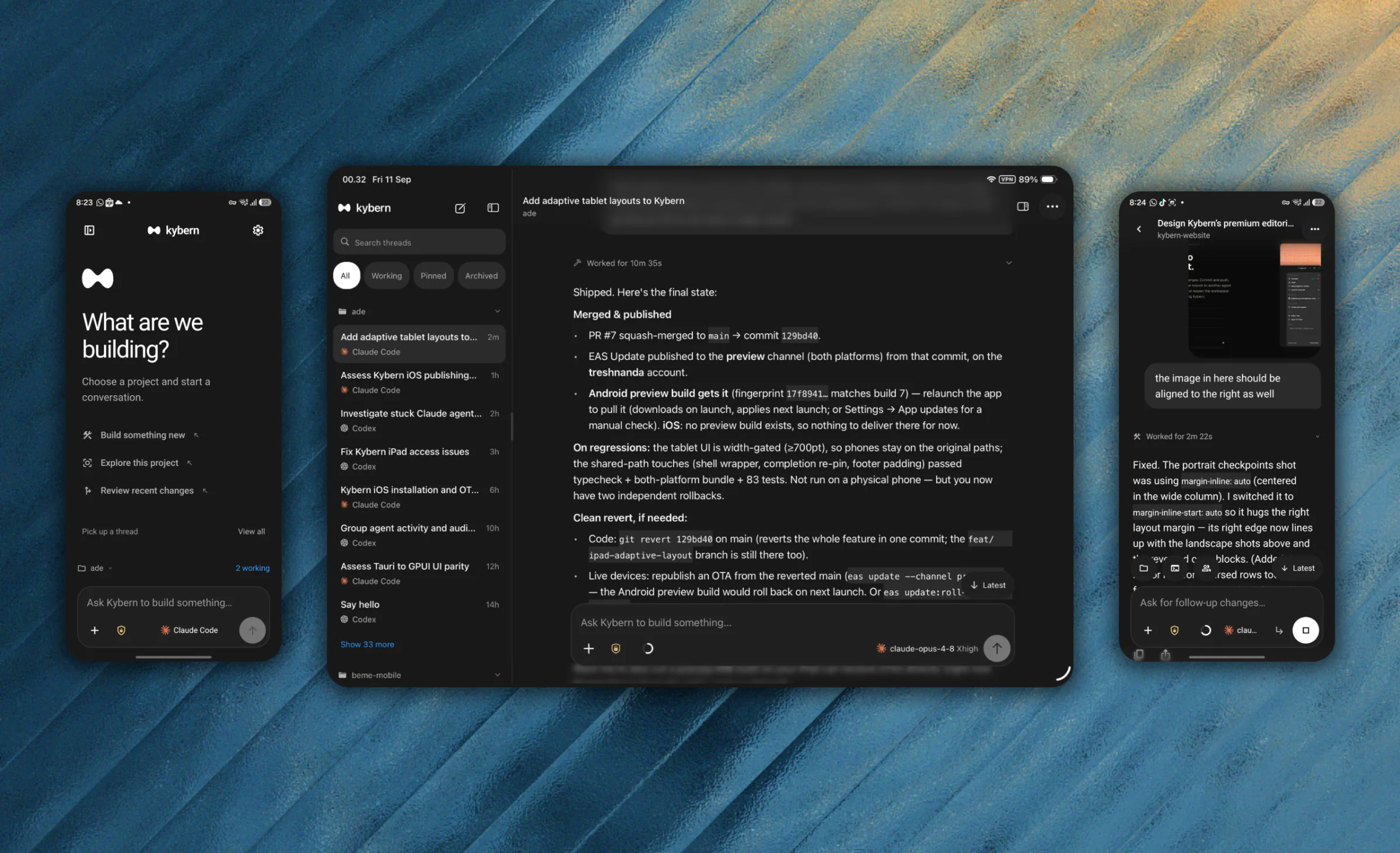
The whole harness, in your pocket.
Pair with a QR code. Android is in preview; iOS is a development build.
Open and work.
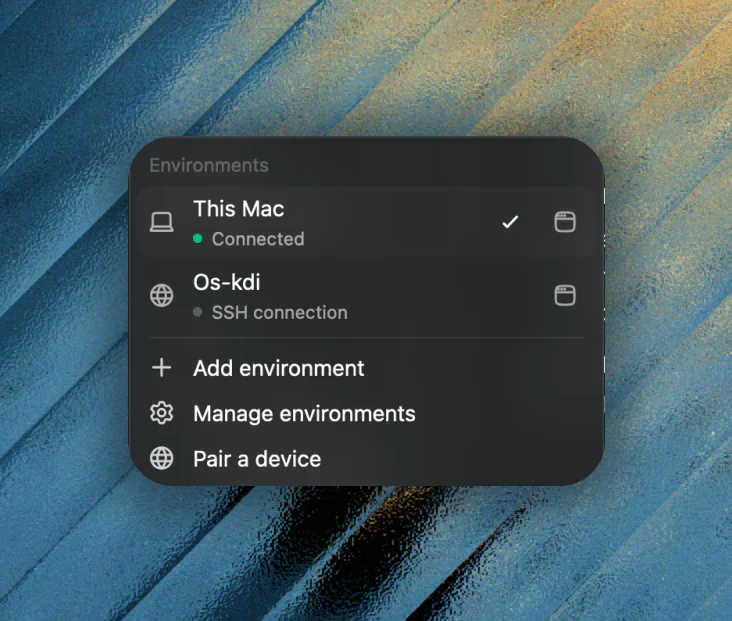
The app bundles its daemon. Nothing to install twice.
Any server, over SSH.
Enter user@host and Kybern installs its daemon there and connects through a tunnel it manages. Or run the installer yourself; --service keeps it under systemd.
curl -LsSf …/kybern-remote-install.sh | shPair inside the tailnet.
Listen on the machine's Tailscale address and scan the QR. Traffic stays inside the WireGuard tunnel.
$ curl -fsSL https://kybern.treshnanda.tech/install.sh | shThe app isn’t notarized, so installing from the command avoids the Gatekeeper prompt a browser download triggers.